Meander
Rest your eyes,
without breaking your flow.
Every 20 minutes, Meander asks you to look at something far away for 20 seconds. It never interrupts a call, a video or a screen share, and if you're typing, it waits until you pause.
Beta · Version 1.0.1 · macOS 13 or later
Built on the 20-20-20 rule
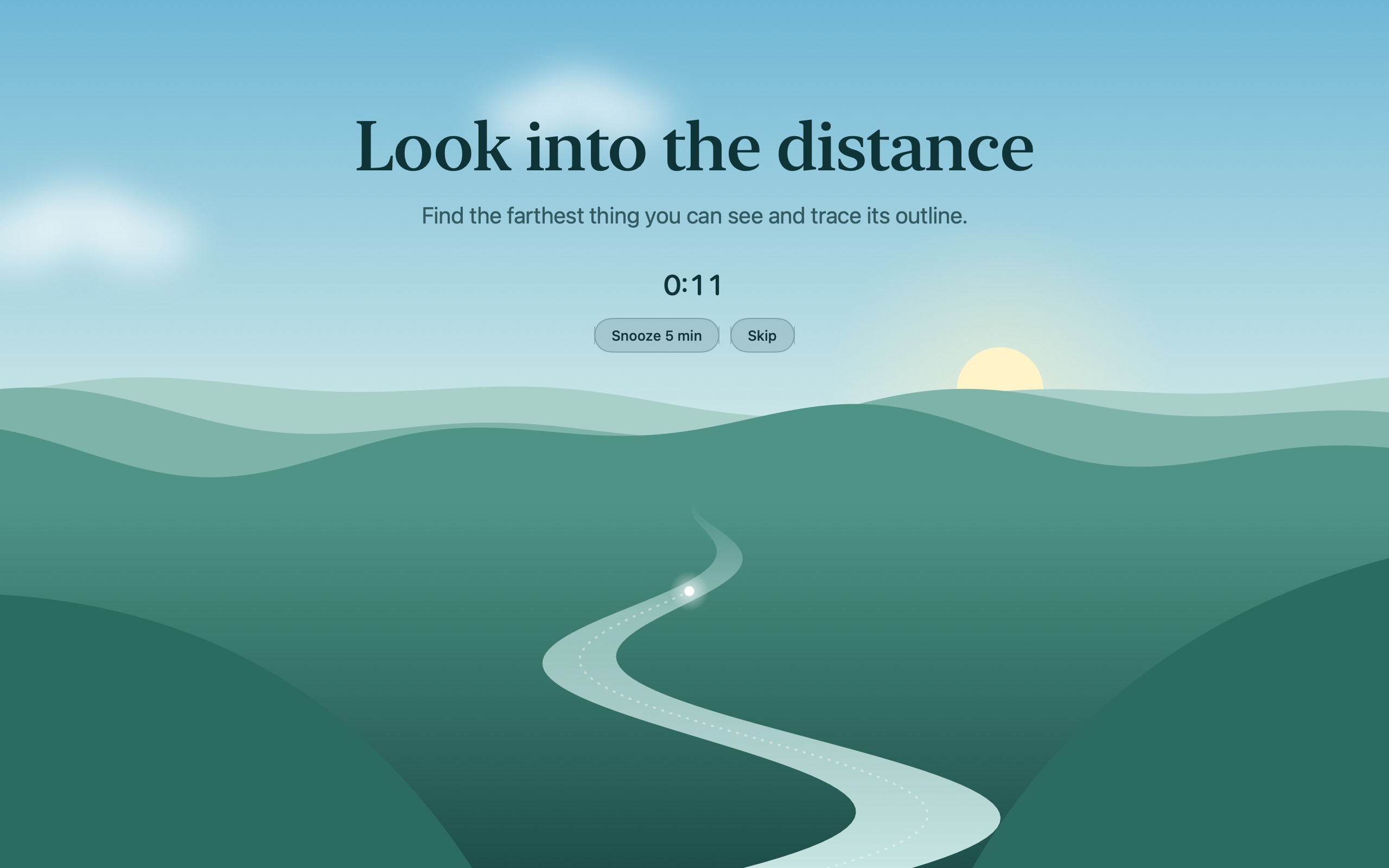
Every 20 minutes, look at something 20 feet away for 20 seconds. Every third break is a longer one, to stand up and stretch.
Stays out of your way
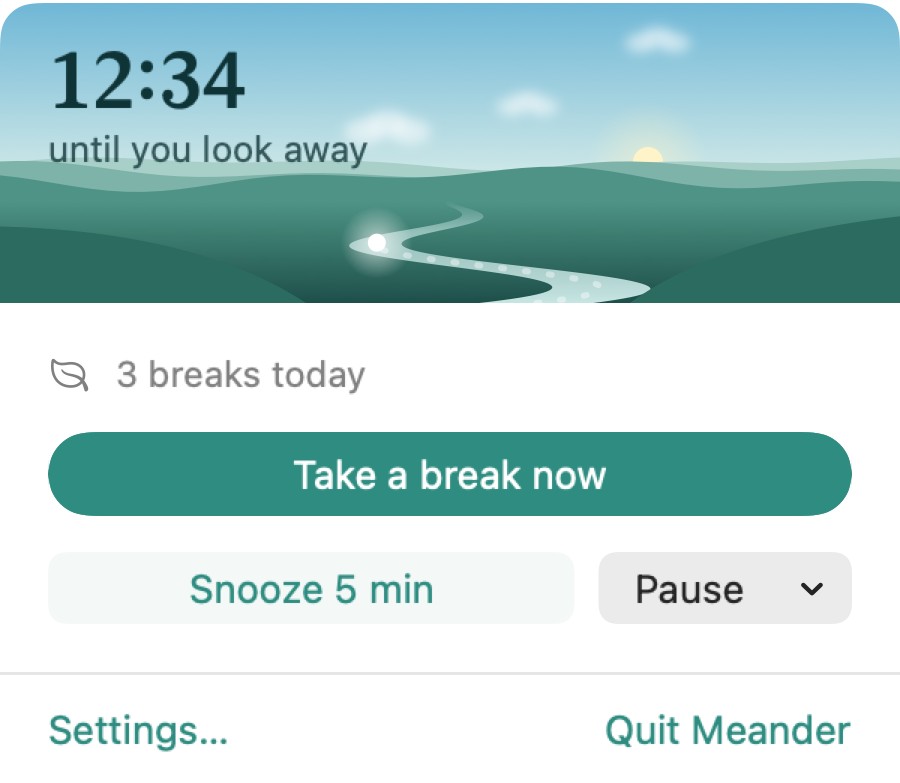
Lives in the menu bar with no Dock icon. Snooze, skip or pause whenever you need to, and launch it at login.
Private by design
No accounts, no analytics, no tracking. Everything Meander notices stays on your Mac. Privacy policy
Breaks that know when to wait
Most break reminders get switched off the first time they pop up during a call. Meander holds a break until the moment is right, then gives you a minute before it starts.
- On a Zoom, Meet or Teams call
- Watching a video
- Sharing or recording your screen
- Typing, dragging or dictating
A view to rest your eyes on
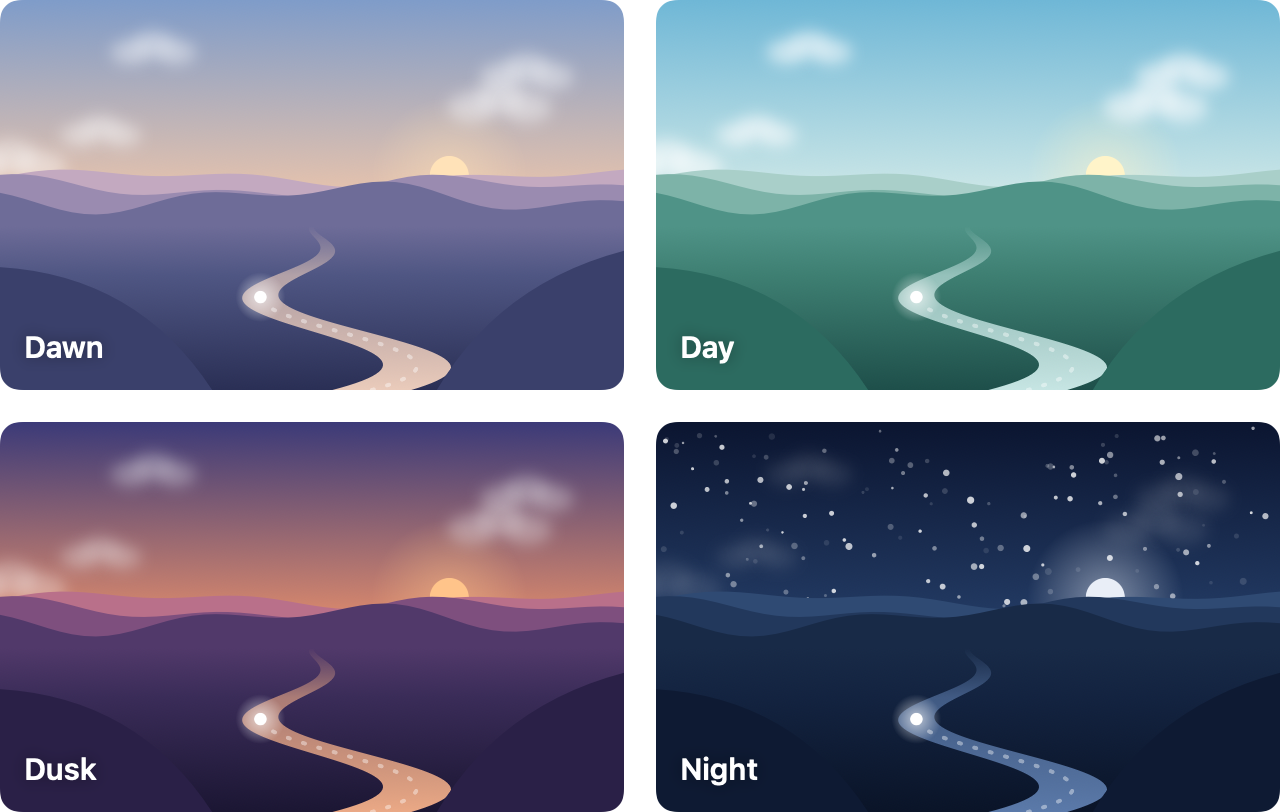
Each break fills the screen with a quiet valley that follows the time of day, from dawn to a starry night. A small light drifts up the river toward the horizon, drawing your eyes into the distance as the seconds pass.
Counts the breaks you take anyway
Lock your screen, put your Mac to sleep or step away for a few minutes, and Meander counts it as a break and starts the clock again. No pointless reminder the moment you sit back down.
Beta · Version 1.0.1 · macOS 13 or later